Is a Monitor Arm Worth It?
A monitor arm fixes screen height and gives you the desk back. Whether that is worth $130-$160 depends on three things you can check in about a minute — and if you work on a laptop, the honest answer is usually something cheaper.
The short answer
It is worth it if your screen sits too low, your monitor weighs between about 7 and 25 pounds, and your desk has an edge to clamp to or a grommet hole. If you work on a laptop, a $45-60 stand plus an external keyboard lands well under the arm's $130-$160 and gets the screen up. The arm buys adjustability and desk space — not a different screen.
Disclosure · As an Amazon Associate, BlackBox Supplies earns from qualifying purchases — at no extra cost to you. See our full disclosure.
What a monitor arm actually fixes
Almost every complaint that ends in "I think I need a monitor arm" is really one of two problems: the screen is too low, or the stand's foot is eating the middle of the desk. An arm solves both. It does not make the panel sharper, brighter, or easier on your eyes — that is a different purchase, and it is worth being clear about which problem you actually have before spending $130-$160.
The height question has a published answer rather than a matter of taste. OSHA's Computer Workstations eTool gives three placement quick tips: "Put monitor directly in front of you and at least 20 inches away", "Place monitor so top line of screen is at or below eye level", and "Place monitor perpendicular to window." That is the target. The only question is whether your current stand can hit it.
Most included stands cannot. A typical monitor foot offers an inch or two of tilt and, on cheaper panels, no height adjustment at all — which is why the internet's most common desk fix is a stack of books. Books work. They just cost you the depth of the desk and any ability to move the screen afterwards.
Check these three things first — they decide it for you
This is the part worth doing before you shop, because two of the three are hard stops rather than preferences.
- Monitor weight — The LX's listing specifies a 7-to-25-pound range. Under about 7 lb the constant-force spring can float a very light screen upward instead of holding where you set it; over 25 lb is out of spec. Your monitor's weight is on its spec page — check it, because this is the single most common mismatch.
- Desk mounting — An arm needs either a desk edge it can clamp to or a grommet hole to mount through — both are included in the box. It cannot attach to a desk with no accessible edge or hole, and that is a hard stop rather than something to work around.
- Screen size — The listing covers flat, curved and ultrawide monitors up to 34 inches, and notes that heavier ultrawides sit best toward the lower end of its extension range. Ergotron's own page describes the LX as a "Luxury arm easily adjusts monitors up to 34\" in size".
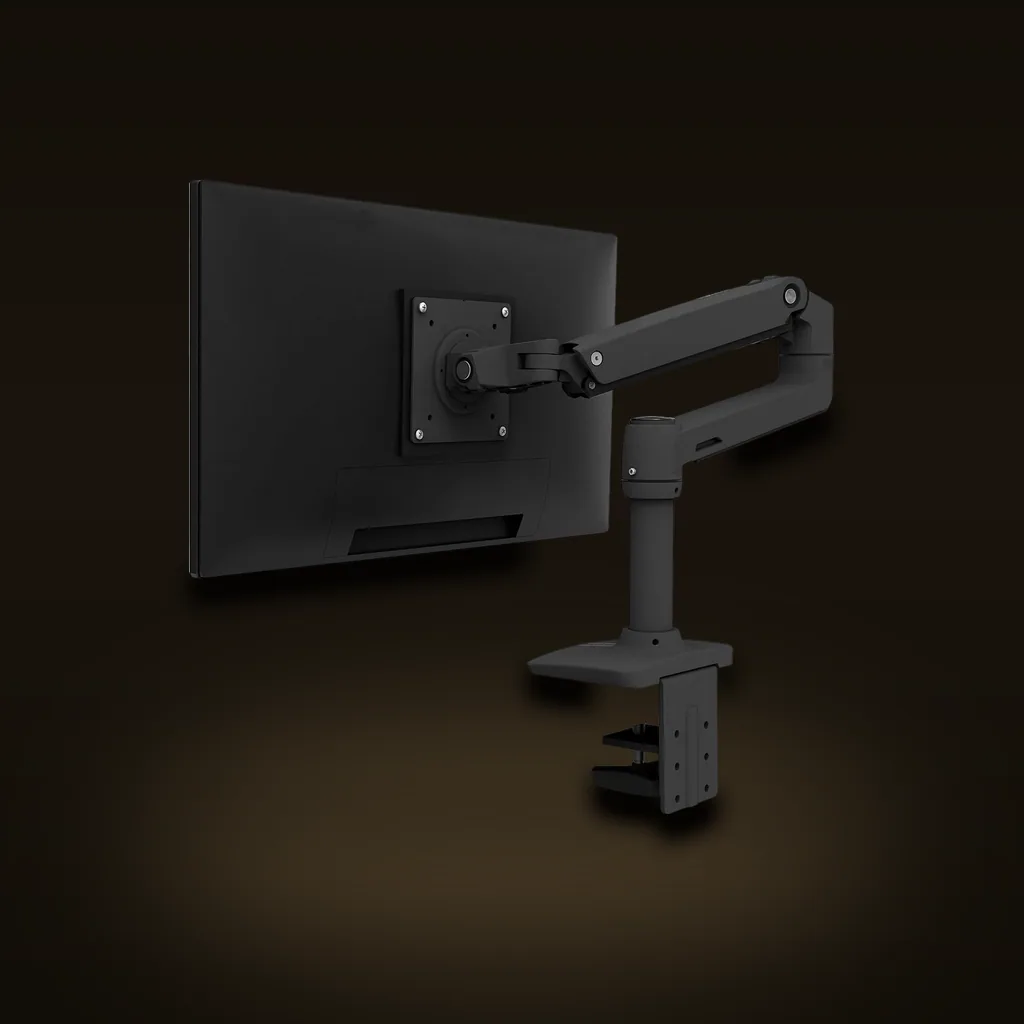
LX Single Monitor Arm, Desk Mount (Matte Black)
Ergotron's LX is the long-standing benchmark monitor arm, prized for a constant-force spring that holds any position instead of slowly drifting, and a metal build that outlasts cheap gas-spring clones. The premium price is the main reason to look elsewhere.
Affiliate linkWhere the money actually goes
Cheap gas-spring arms and the LX look near-identical in a listing photo, and the specs read similarly. The difference our catalog draws is about holding position: the constant-force spring holds the screen wherever you set it, without the slow downward drift cheaper gas-spring clones develop. Ergotron's answer is what they call Constant Force™ Technology, and they say the arm is "Built for years of use by passing our 10,000-cycle motion test."
That is the honest case for paying more, and it is a durability case rather than a performance one. On the day you install them, a budget arm and this one put your screen in the same place. If you set a monitor once and never touch it again, the cheaper arm may genuinely be enough — drift matters most to people who move the screen often, or who share a desk between sitting and standing heights.
The catch worth stating plainly: it costs noticeably more than budget arms that look the same on paper. That is the trade, and for a set-and-forget single monitor it is a real reason to look elsewhere.
If you work on a laptop, buy the cheaper thing first
This is where most "is a monitor arm worth it" searches should end in a no. If your screen is a laptop screen, an arm is not the fix — a laptop does not mount to one. What you need is height, and a fixed stand delivers it for $45-60 instead of $130-$160.
The honest catches are real and worth knowing before you buy. The rise is fixed at 5.9 inches, so it only lands your screen at eye level if that particular rise suits your chair-and-desk height — measure before committing. And raising the laptop puts its own keyboard out of comfortable reach, so you must budget for an external keyboard and mouse as part of the purchase, not as an optional extra. It is also a heavy, solid piece designed to stay put, not a foldable travel stand.
Add those up and a laptop-plus-stand setup still lands well under the arm. Whether it puts your screen where OSHA suggests depends entirely on whether that fixed 5.9-inch rise suits your chair and desk — which is the measurement worth taking first. The arm becomes the right answer on the day you add a real external monitor.
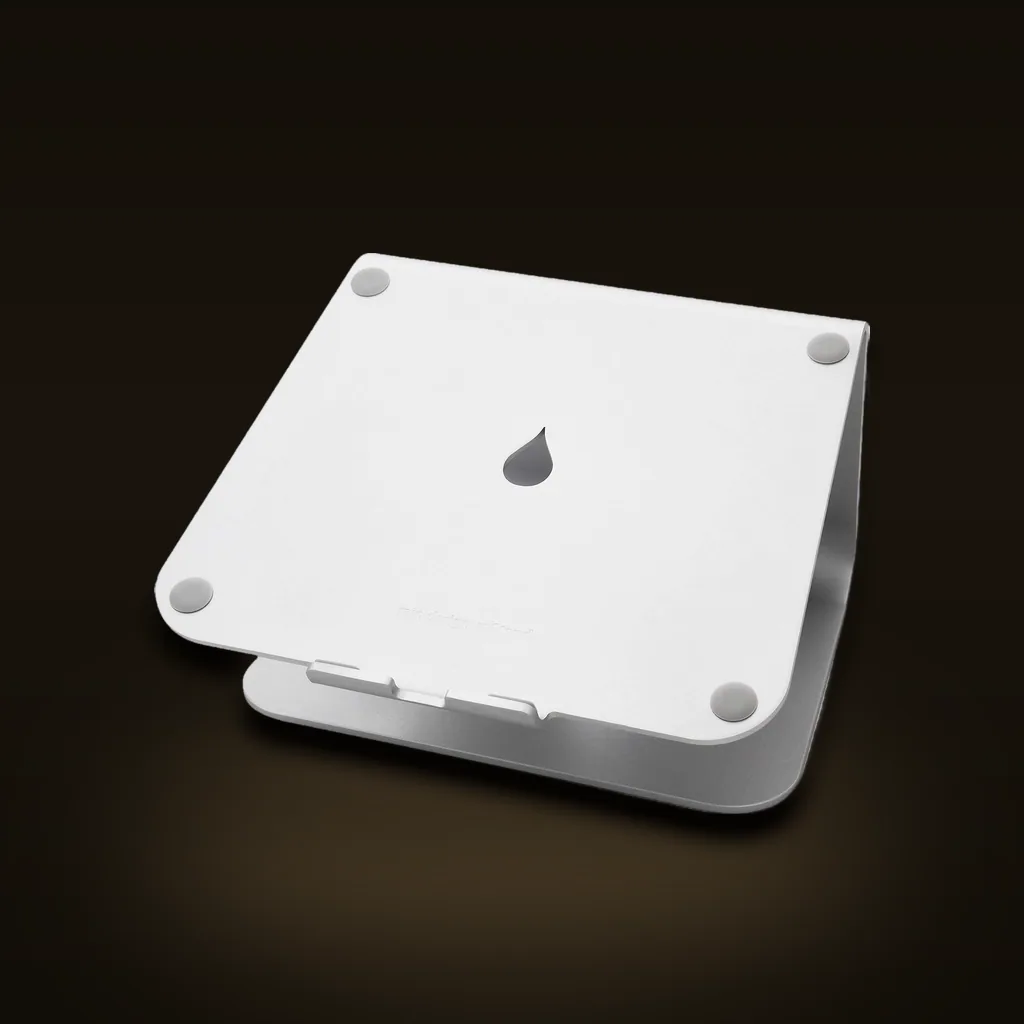
Rain Design mStand Aluminum Laptop Stand (Silver, 10032)
A solid, single-piece aluminum stand that lifts your laptop to eye level and doubles as a heat sink, with a look that matches a MacBook. Great as a permanent home-desk fixture; the fixed height and heft make it wrong for anyone who wants adjustability or portability.
Affiliate linkWhat an arm will not fix
Two desk complaints get blamed on screen position and are not solved by moving the screen.
Glare is the first. If the problem is that your monitor picks up reflections from every lamp in the room, an arm relocates the reflection rather than removing it — OSHA's own tip is to place the monitor perpendicular to the window. A monitor-mounted light bar is the gear answer, and it clips over the top of the panel so it costs no desk space. It is expensive next to a basic desk lamp, its clip is designed for flat-backed monitors and can perch poorly on very thin, curved or all-in-one screens, and it draws power over USB, so it occupies a port.
Cable mess is the second, and an arm usually makes it briefly worse, because lifting the monitor exposes the cords that the stand's foot used to hide. That is a tray problem, not an arm problem.
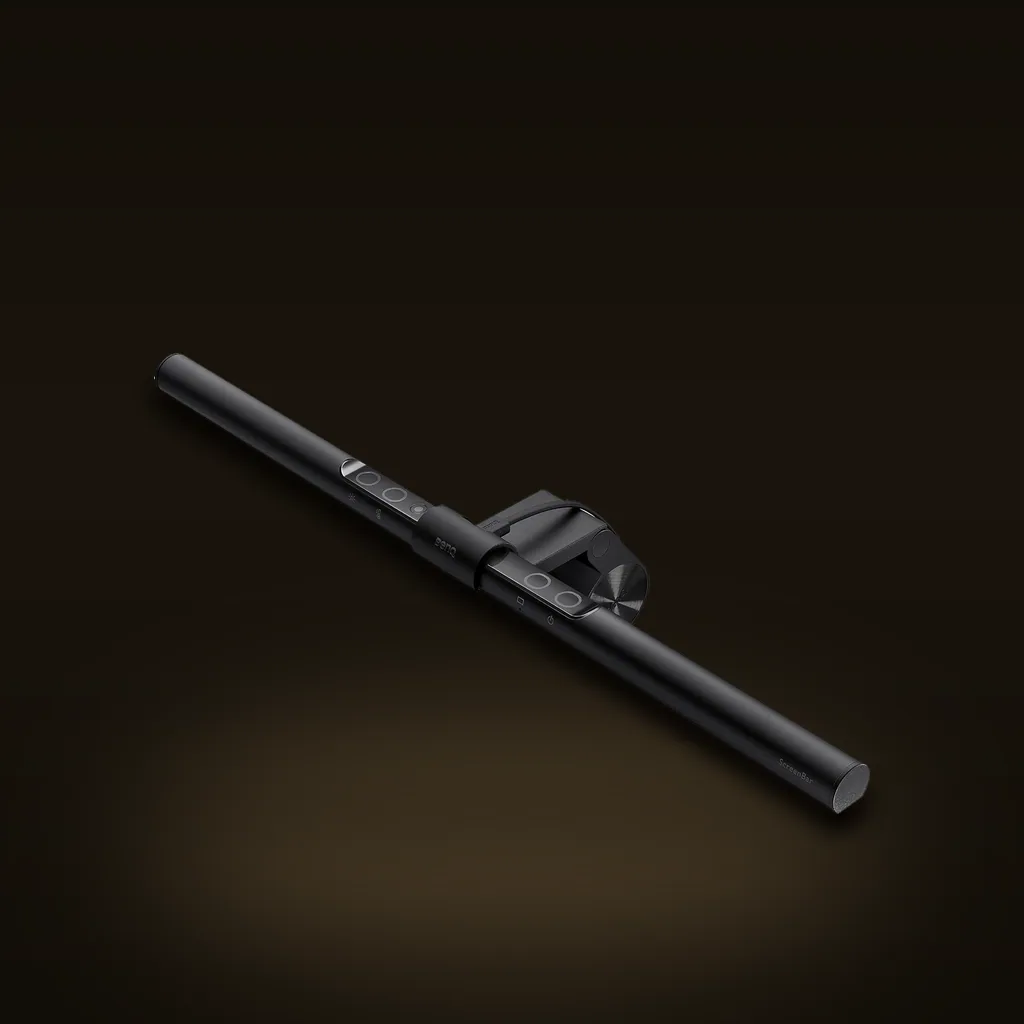
BenQ ScreenBar Monitor Light Bar
A monitor-mounted light bar that lights your desk and papers without bouncing glare back at the screen, and reclaims the space a desk lamp would eat. The price is high for a light, but it solves the glare-and-clutter problem cleanly for a monitor setup.
Affiliate linkCommon questions
Is a monitor arm better than the stand that came with my monitor?
Only on two counts: adjustability and desk space. If your included stand already puts the top line of the screen at or below eye level at 20 inches or more of viewing distance, it is doing its job and an arm is a convenience purchase rather than a fix.
Will a monitor arm work on my desk?
It needs a clampable edge or a grommet hole. Glass desks and desks you cannot drill are the usual dealbreakers, and a desk pushed flush against a wall can leave no room for the clamp behind it. Check this before anything else — it is the one thing no arm design works around.
My monitor is very light. Does that matter?
Yes, and it surprises people. The LX's listing specifies a 7-pound minimum, and below roughly that the constant-force spring can push a light screen upward rather than hold it in place. A weight limit has a floor as well as a ceiling.
Do I need an arm for a laptop?
No. A laptop will not mount to one. A fixed aluminum stand raises the screen about 5.9 inches for $45-60, which is the same job for less money — just plan on an external keyboard and mouse, because the laptop's own keyboard ends up out of reach.
Sources & further reading
- OSHA — Computer Workstations eTool: Workstation Components, Monitors
- Ergotron — LX Desk Monitor Arm product page (Constant Force, 34" size, 10,000-cycle motion test)
Research-driven — our picks come from verified manufacturer specs and long-term owner feedback. How we work: our methodology.
Keep reading
Best Monitor Light Bar for Eye Strain in a Small Home Office
The best monitor light bar for eye strain in a small home office is a monitor-clamped bar, not a desk lamp — the asymmetric-optic trick that lights your desk without bouncing glare off the screen, the honest catch, and who should skip it.
Read morePower & ChargingHow to Charge Your Laptop, Phone, and Watch From One Outlet on Your Desk
How to charge your laptop, phone and watch from one outlet on your desk: one wall socket, three devices, zero brick-tangle. The fix is a GaN desk hub — and the single spec that decides whether it fast-charges everything is single-port peak wattage vs. total shared wattage. Here's how it works and the honest pick.
Read moreDesk & TechThunderbolt 4 Dock vs USB-C Hub: Which One Your Laptop Can Actually Use
A USB-C hub shares one bus between everything you plug into it and quietly collapses under load. Thunderbolt 4 guarantees the bandwidth instead. But a Thunderbolt dock on a non-Thunderbolt laptop drops straight back to hub speeds — so the first thing to check is the port on your own machine, not the spec sheet on the dock.
Read moreThe gear actually worth buying — one email a week.
The car, power, cooling, and work-utility gear worth owning — with the honest catch on each. One genuinely useful email a week. No spam, no fake reviews, unsubscribe anytime.
- No spam
- One email a week
- Unsubscribe anytime