BenQ ScreenBar Monitor Light Bar
By Lee · Researched & cited, not personally tested · Updated Sep 2026
- Typical price · Sep 2026
- $99-109
- Best for
- The desk worker in a dim room whose monitor picks up glare from every lamp they have tried
- Key spec
- Clips over any monitor (no desk footprint), asymmetric optics throw light on the desk not the screen (zero glare), auto-dimming ambient sensor, adjustable brightness.
- Skip it if
- Skip it if you have a curved, ultra-thin, or all-in-one screen like an iMac. The clip is engineered for flat-backed monitors and won't seat securely on those shapes.
Typical price · as of Sep 2026
$99-109
Key spec
Clips over any monitor (no desk footprint), asymmetric optics throw light on the desk not the screen (zero glare), auto-dimming ambient sensor, adjustable brightness.
Disclosure · As an Amazon Associate, BlackBox Supplies earns from qualifying purchases — at no extra cost to you. See our full disclosure.
Opens the exact product on Amazon — confirm the model and current price there.
Clips onto your monitor to light your desk without throwing any glare on the screen, and takes up zero desk space. It auto-dims to match the room.
A monitor-mounted light bar that lights your desk and papers without bouncing glare back at the screen, and reclaims the space a desk lamp would eat. The price is high for a light, but it solves the glare-and-clutter problem cleanly for a monitor setup.
Best for The desk worker in a dim room whose monitor picks up glare from every lamp they have tried
What earns it the pick
- Clips over the top of the monitor, adding light with zero desk footprint
- Asymmetric optics throw light down onto the desk instead of onto the screen, avoiding glare
- Ambient light sensor auto-dims the bar to match the room
- Adjustable brightness for reading, notes, or evening work
The honest catch
What we’d want you to know before you buy.
- At $99-109 it is expensive next to a basic desk lamp that also produces light
- The clip is designed for flat-backed monitors, so very thick, very thin, curved, or all-in-one screens like an iMac can fit poorly or not at all
- It draws power over USB, so it occupies a port and needs one within reach
A normal desk lamp near a monitor either wastes space or reflects glare onto the screen, and this fixes both by lighting only what is below the display.
Before buying, check your monitor's top edge: the weighted clip is engineered for flat-backed panels and perches poorly on very thin, curved, or all-in-one screens like an iMac. It powers over USB, so you need a free USB-A port on the monitor, laptop, or dock, or a USB wall adapter within cable reach. This base ScreenBar controls brightness and color temperature with touch buttons on the bar itself; the wireless remote and back-glow belong to the pricier ScreenBar Halo.
Common questions
The clip is designed for flat-backed monitors and seats securely on those. On a curved or ultrawide panel it can balance on the flattest part of the top edge, but the fit is less stable, and a very thin or all-in-one screen like an iMac is a poor match.
How it compares
BenQ ScreenBar Monitor Light Bar
- Price band
- $99-109
- Key spec
- Clips over any monitor (no desk footprint), asymmetric optics throw light on the desk not the screen (zero glare), auto-dimming ambient sensor, adjustable brightness.
- Verdict
- A monitor-mounted light bar that lights your desk and papers without bouncing glare back at the screen, and reclaims the space a desk lamp would eat. The price is high for a light, but it solves the glare-and-clutter problem cleanly for a monitor setup.
Rain Design mStand Aluminum Laptop Stand (Silver, 10032)
- Price band
- $45-60
- Key spec
- Single-piece anodized aluminum, raises screen 5.9 in to eye level, doubles as a heat sink, rear cable routing hole, sturdy MacBook-matching finish.
- Verdict
- A solid, single-piece aluminum stand that lifts your laptop to eye level and doubles as a heat sink, with a look that matches a MacBook. Great as a permanent home-desk fixture; the fixed height and heft make it wrong for anyone who wants adjustability or portability.
Stand Up Desk Store Under-Desk Cable Management Tray (Black, 51 in)
- Price band
- $35-45
- Key spec
- 51-inch steel raceway that mounts under the desk, holds power strip + cords + adapters, doubles as a modesty panel to hide the mess, screw-mount.
- Verdict
- A long steel raceway that gets your power strip and cords off the floor and hides them behind a standing desk, doubling as a modesty panel. The payoff is a genuinely clean look, but you have to be willing to drill into the desk to install it.
You're viewing BenQ ScreenBar Monitor Light Bar | AlternativeCheaper | AlternativeCheaper Stand Up Desk Store Under-Desk Cable Management Tray (Black, 51 in) | |
|---|---|---|---|
| Price band | $99-109 | $45-60 | $35-45 |
| Key spec | Clips over any monitor (no desk footprint), asymmetric optics throw light on the desk not the screen (zero glare), auto-dimming ambient sensor, adjustable brightness. | Single-piece anodized aluminum, raises screen 5.9 in to eye level, doubles as a heat sink, rear cable routing hole, sturdy MacBook-matching finish. | 51-inch steel raceway that mounts under the desk, holds power strip + cords + adapters, doubles as a modesty panel to hide the mess, screw-mount. |
| Verdict | A monitor-mounted light bar that lights your desk and papers without bouncing glare back at the screen, and reclaims the space a desk lamp would eat. The price is high for a light, but it solves the glare-and-clutter problem cleanly for a monitor setup. | A solid, single-piece aluminum stand that lifts your laptop to eye level and doubles as a heat sink, with a look that matches a MacBook. Great as a permanent home-desk fixture; the fixed height and heft make it wrong for anyone who wants adjustability or portability. | A long steel raceway that gets your power strip and cords off the floor and hides them behind a standing desk, doubling as a modesty panel. The payoff is a genuinely clean look, but you have to be willing to drill into the desk to install it. |
| This page | See its case → | See its case → |
Same category, ranked by our research priority. Specs and price bands are approximate — confirm the current price on Amazon.
The Decision Receipt
- Why it's here
- A monitor-mounted light bar that lights your desk and papers without bouncing glare back at the screen, and reclaims the space a desk lamp would eat. The price is high for a light, but it solves the glare-and-clutter problem cleanly for a monitor setup.
- Who should buy it
- The desk worker in a dim room whose monitor picks up glare from every lamp they have tried
- Who should skip it
- Skip it if you have a curved, ultra-thin, or all-in-one screen like an iMac. The clip is engineered for flat-backed monitors and won't seat securely on those shapes.
- The main tradeoff
- You pay roughly triple the cost of a basic desk lamp for the zero-glare, zero-footprint trick of lighting the desk without hitting the screen.
- What could change this
- Cheaper clip-on bars (including no-name copies) do the same asymmetric-light trick; if you can live without the auto-dimming ambient sensor a ~$30 version may be enough, so first confirm your monitor's top edge is flat.
Built from the live Amazon listing, manufacturer specs, and owner-review patterns — not personally lab-tested. Prices are approximate; confirm the current price on Amazon.
Research trail
How every recommendation is built. We research, compare, and cite — we don’t take payment for placement, and we don’t claim to personally lab-test.
- Specs & manuals checked
- Warranty & support reviewed
- Owner-review patterns analyzed
- Independent reviews cross-referenced
- Safety / recall checks where relevant
Decided it’s the one?
Check the live price and exact model on Amazon.
More in Desk & Tech
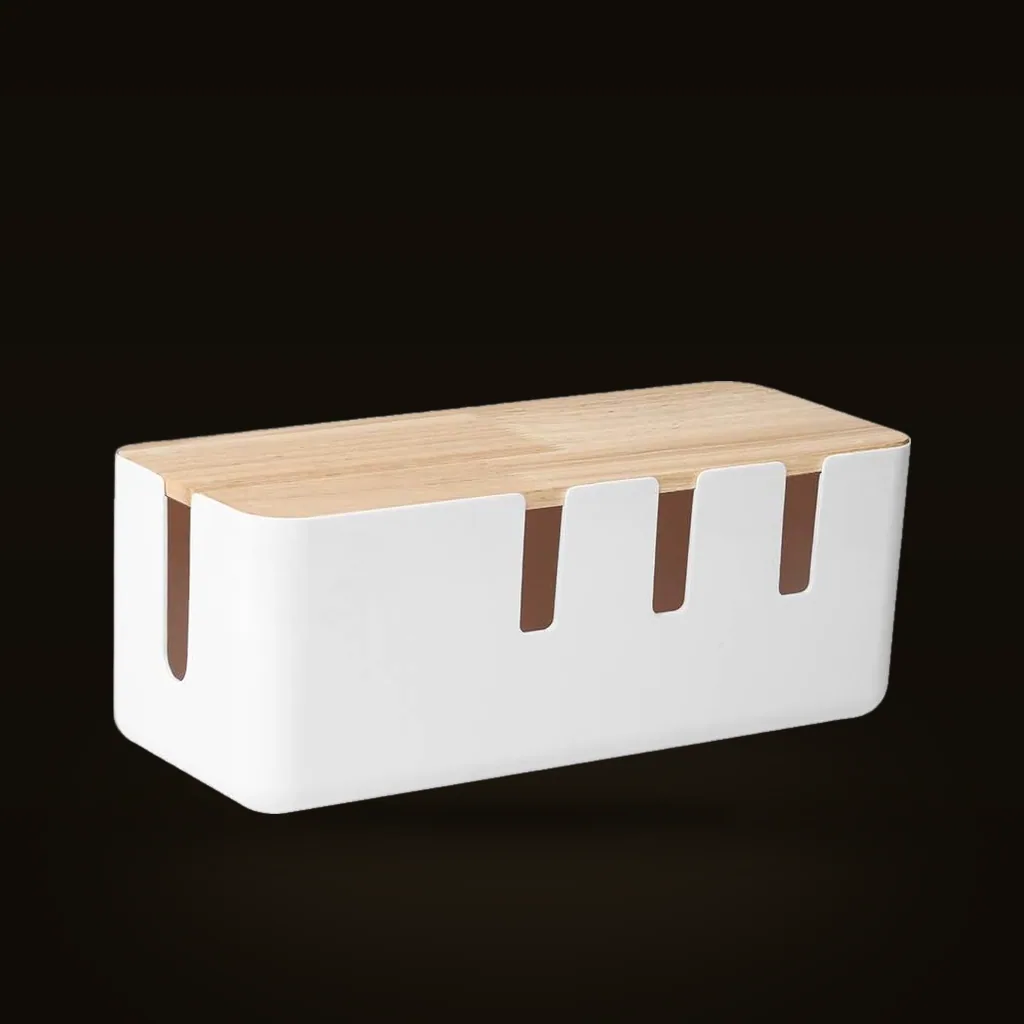
Baskiss Cable Management Box (Wood Lid)
An inexpensive box that tucks an ugly power strip and its extra cord out of sight, with a wood-look lid that works as a small tray. It is the cheap, no-install way to tidy one visible spot; it hides clutter rather than solving cable routing across a whole setup.
Affiliate link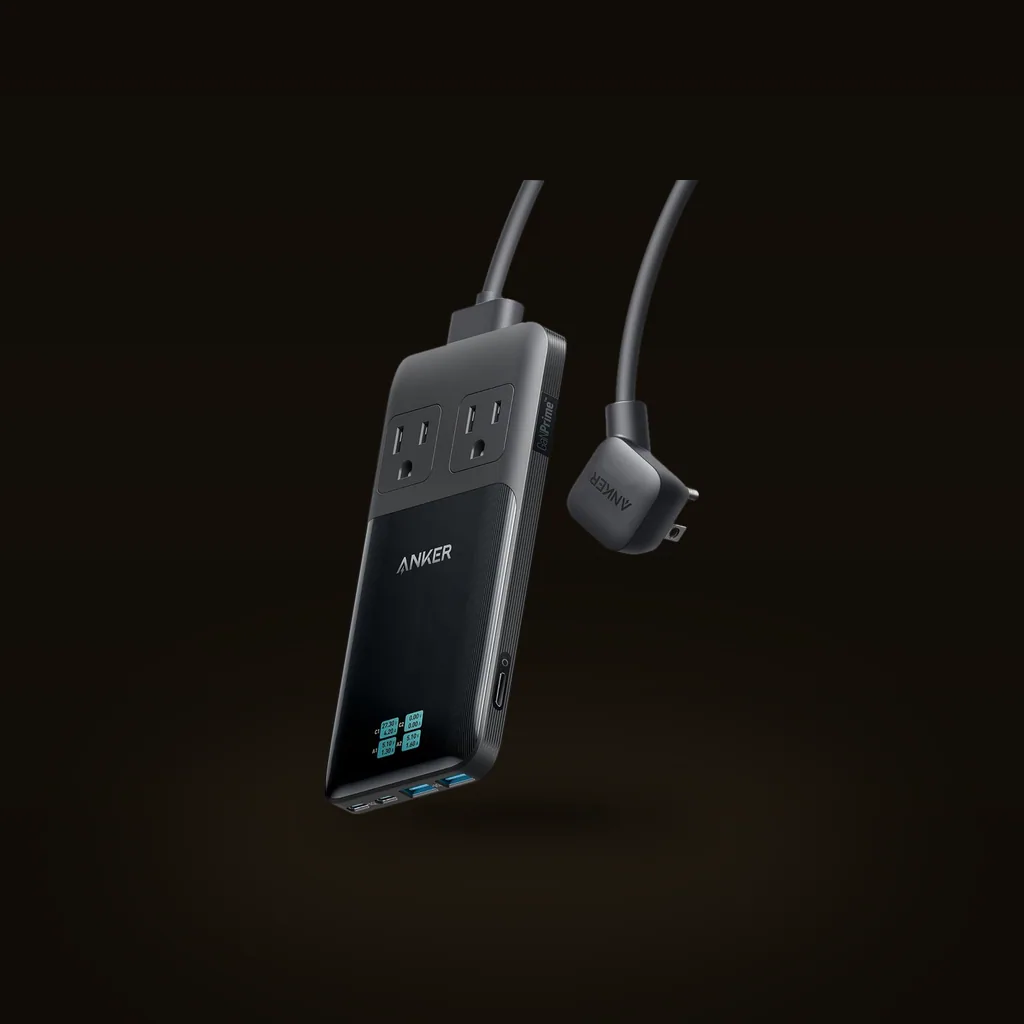
Anker Prime 6-in-1 Charging Station (140W)
A slim desktop hub that combines two AC outlets and four USB ports with up to 140W and a live power readout, replacing a wad of wall plugs. Strong for a laptop-and-phone desk; just know the 140W is shared across everything, not delivered to each port at once.
Affiliate link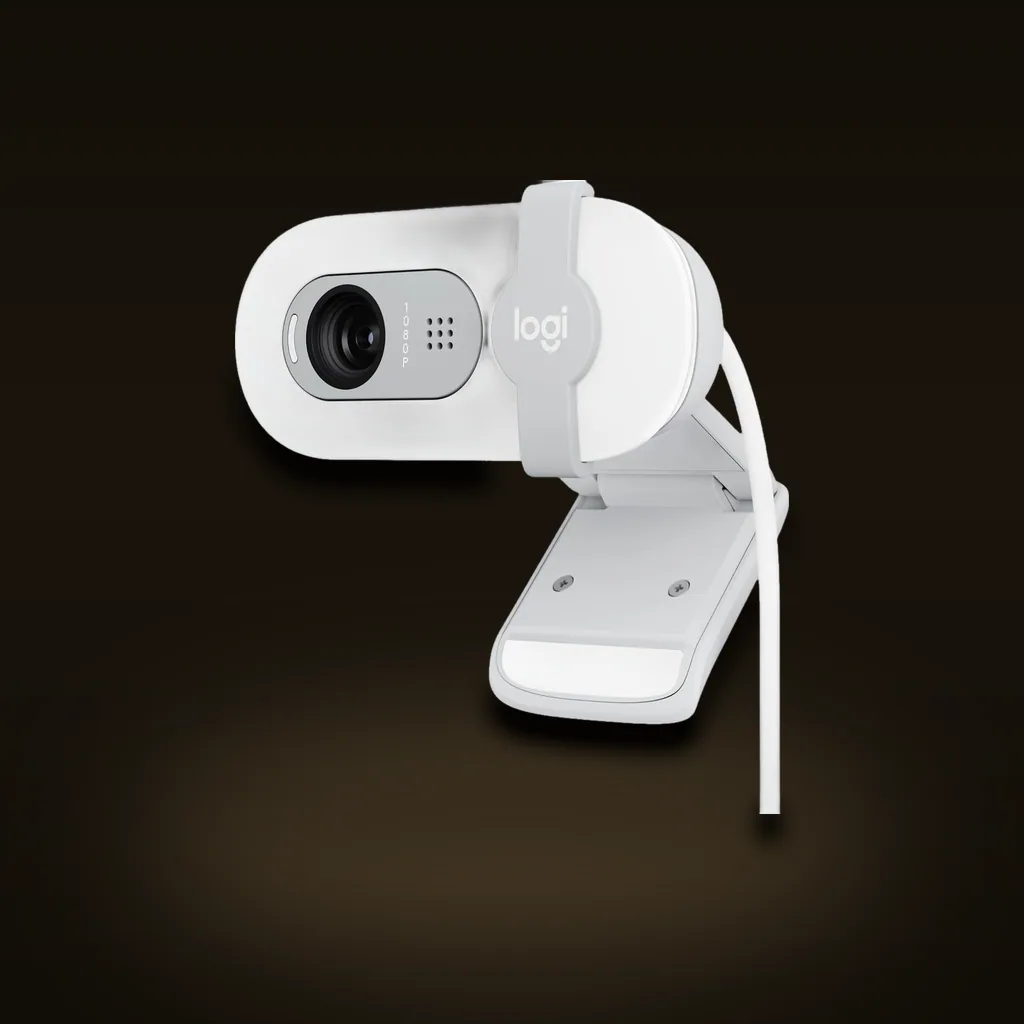
Logitech Brio 100 Full HD 1080p Webcam
A cheap, plug-and-play 1080p webcam that is a clear step up from a grainy built-in laptop camera, with auto-exposure and a privacy shutter. Right for anyone who just wants to look sharp on calls; not the camera for streamers or creators who need 4K and autofocus.
Affiliate link