Logitech Brio 100 Full HD 1080p Webcam
By Lee · Researched & cited, not personally tested · Updated Sep 2026
- Typical price · Sep 2026
- $25-35
- Best for
- The remote worker or student whose laptop camera looks washed-out and grainy on video calls
- Key spec
- 1080p Full HD, built-in mic, RightLight auto-exposure (+50% brightness in low light), physical privacy shutter, universal monitor clip, plug-and-play USB.
- Skip it if
- Skip it if you stream or create content. This is the entry-level Brio: fixed-focus 1080p with a basic mic, not the 4K autofocus a creator needs.
Typical price · as of Sep 2026
$25-35
Key spec
1080p Full HD, built-in mic, RightLight auto-exposure (+50% brightness in low light), physical privacy shutter, universal monitor clip, plug-and-play USB.
Disclosure · As an Amazon Associate, BlackBox Supplies earns from qualifying purchases — at no extra cost to you. See our full disclosure.
Opens the exact product on Amazon — confirm the model and current price there.
A 1080p webcam that replaces the grainy, washed-out built-in laptop camera for clearer video calls. Auto-exposure brightens low light, and a physical shutter covers the lens when you're done.
A cheap, plug-and-play 1080p webcam that is a clear step up from a grainy built-in laptop camera, with auto-exposure and a privacy shutter. Right for anyone who just wants to look sharp on calls; not the camera for streamers or creators who need 4K and autofocus.
Best for The remote worker or student whose laptop camera looks washed-out and grainy on video calls
What earns it the pick
- 1080p Full HD sensor for a noticeably clearer image than a typical laptop camera
- RightLight auto-exposure brightens your face in dim rooms
- Physical privacy shutter slides over the lens when you are done
- Plug-and-play USB with a universal clip that fits most monitors and laptops
The honest catch
What we’d want you to know before you buy.
- It is the entry-level Brio, so it is fixed-focus 1080p, not the 4K or autofocus of the higher Brio models
- The built-in mic is basic and prone to sounding thin, so a headset or separate mic still sounds better
- It mounts only by the monitor clip, with no tripod thread for custom angles
Built-in laptop cameras are famously soft and dim, and this is the low-cost way to show up looking clear on the calls that matter.
This is the entry-level Brio: fixed-focus 1080p, not the 4K or autofocus of the higher Brio models, so it is a clear step up from a laptop camera but not a creator or streaming camera. The built-in mic is basic and thin-sounding, so plan on a headset or separate mic for anything beyond casual calls. It mounts only by the monitor clip with no tripod thread, so if you need custom angles or a tripod, look elsewhere.
Common questions
No. The Brio 100 is the budget model with fixed-focus 1080p. The 4K, autofocus, and HDR features belong to the pricier Brio 4K and 500-series cameras.
How it compares
Logitech Brio 100 Full HD 1080p Webcam
- Price band
- $25-35
- Key spec
- 1080p Full HD, built-in mic, RightLight auto-exposure (+50% brightness in low light), physical privacy shutter, universal monitor clip, plug-and-play USB.
- Verdict
- A cheap, plug-and-play 1080p webcam that is a clear step up from a grainy built-in laptop camera, with auto-exposure and a privacy shutter. Right for anyone who just wants to look sharp on calls; not the camera for streamers or creators who need 4K and autofocus.
BenQ ScreenBar Monitor Light Bar
- Price band
- $99-109
- Key spec
- Clips over any monitor (no desk footprint), asymmetric optics throw light on the desk not the screen (zero glare), auto-dimming ambient sensor, adjustable brightness.
- Verdict
- A monitor-mounted light bar that lights your desk and papers without bouncing glare back at the screen, and reclaims the space a desk lamp would eat. The price is high for a light, but it solves the glare-and-clutter problem cleanly for a monitor setup.
Rain Design mStand Aluminum Laptop Stand (Silver, 10032)
- Price band
- $45-60
- Key spec
- Single-piece anodized aluminum, raises screen 5.9 in to eye level, doubles as a heat sink, rear cable routing hole, sturdy MacBook-matching finish.
- Verdict
- A solid, single-piece aluminum stand that lifts your laptop to eye level and doubles as a heat sink, with a look that matches a MacBook. Great as a permanent home-desk fixture; the fixed height and heft make it wrong for anyone who wants adjustability or portability.
You're viewing Logitech Brio 100 Full HD 1080p Webcam | AlternativePricier | AlternativePricier | |
|---|---|---|---|
| Price band | $25-35 | $99-109 | $45-60 |
| Key spec | 1080p Full HD, built-in mic, RightLight auto-exposure (+50% brightness in low light), physical privacy shutter, universal monitor clip, plug-and-play USB. | Clips over any monitor (no desk footprint), asymmetric optics throw light on the desk not the screen (zero glare), auto-dimming ambient sensor, adjustable brightness. | Single-piece anodized aluminum, raises screen 5.9 in to eye level, doubles as a heat sink, rear cable routing hole, sturdy MacBook-matching finish. |
| Verdict | A cheap, plug-and-play 1080p webcam that is a clear step up from a grainy built-in laptop camera, with auto-exposure and a privacy shutter. Right for anyone who just wants to look sharp on calls; not the camera for streamers or creators who need 4K and autofocus. | A monitor-mounted light bar that lights your desk and papers without bouncing glare back at the screen, and reclaims the space a desk lamp would eat. The price is high for a light, but it solves the glare-and-clutter problem cleanly for a monitor setup. | A solid, single-piece aluminum stand that lifts your laptop to eye level and doubles as a heat sink, with a look that matches a MacBook. Great as a permanent home-desk fixture; the fixed height and heft make it wrong for anyone who wants adjustability or portability. |
| This page | See its case → | See its case → |
Same category, ranked by our research priority. Specs and price bands are approximate — confirm the current price on Amazon.
The Decision Receipt
- Why it's here
- A cheap, plug-and-play 1080p webcam that is a clear step up from a grainy built-in laptop camera, with auto-exposure and a privacy shutter. Right for anyone who just wants to look sharp on calls; not the camera for streamers or creators who need 4K and autofocus.
- Who should buy it
- The remote worker or student whose laptop camera looks washed-out and grainy on video calls
- Who should skip it
- Skip it if you stream or create content. This is the entry-level Brio: fixed-focus 1080p with a basic mic, not the 4K autofocus a creator needs.
- The main tradeoff
- You trade higher-end 4K, autofocus, and good audio for a cheap, plug-and-play step up from a grainy built-in laptop camera.
- What could change this
- If your calls demand sharper video, a step up to a 4K Brio or a mirrorless-as-webcam setup is warranted; for audio, plan on a separate headset or mic regardless, since the built-in mic sounds thin.
Built from the live Amazon listing, manufacturer specs, and owner-review patterns — not personally lab-tested. Prices are approximate; confirm the current price on Amazon.
Research trail
How every recommendation is built. We research, compare, and cite — we don’t take payment for placement, and we don’t claim to personally lab-test.
- Specs & manuals checked
- Warranty & support reviewed
- Owner-review patterns analyzed
- Independent reviews cross-referenced
- Safety / recall checks where relevant
Decided it’s the one?
Check the live price and exact model on Amazon.
More in Desk & Tech
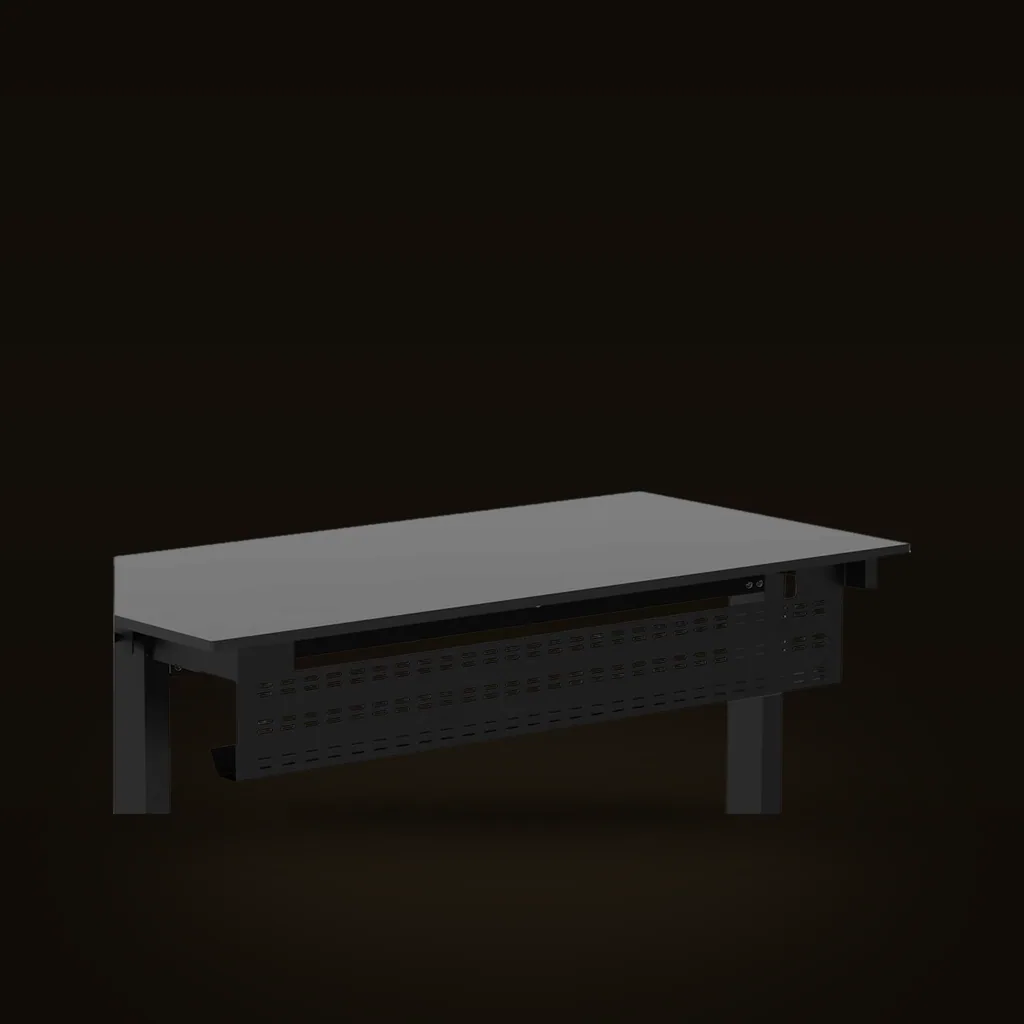
Stand Up Desk Store Under-Desk Cable Management Tray (Black, 51 in)
A long steel raceway that gets your power strip and cords off the floor and hides them behind a standing desk, doubling as a modesty panel. The payoff is a genuinely clean look, but you have to be willing to drill into the desk to install it.
Affiliate link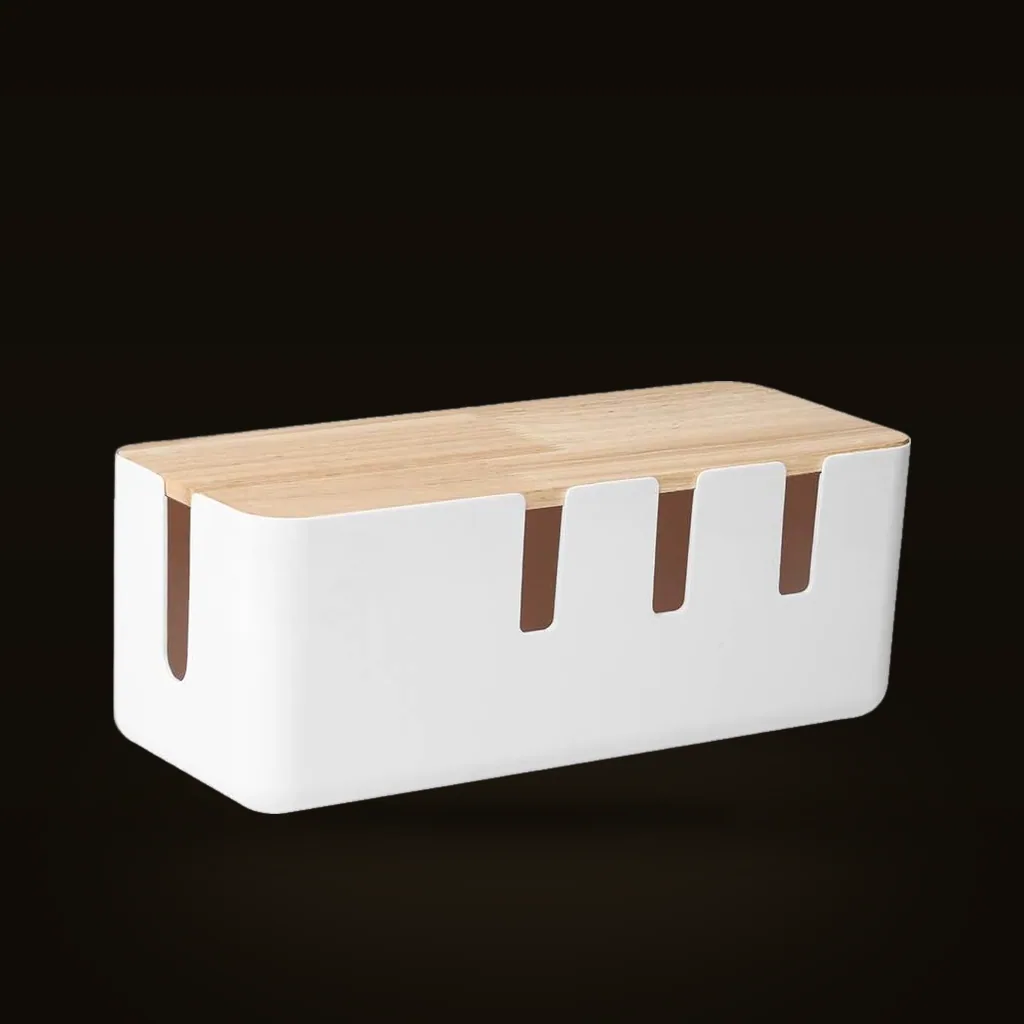
Baskiss Cable Management Box (Wood Lid)
An inexpensive box that tucks an ugly power strip and its extra cord out of sight, with a wood-look lid that works as a small tray. It is the cheap, no-install way to tidy one visible spot; it hides clutter rather than solving cable routing across a whole setup.
Affiliate link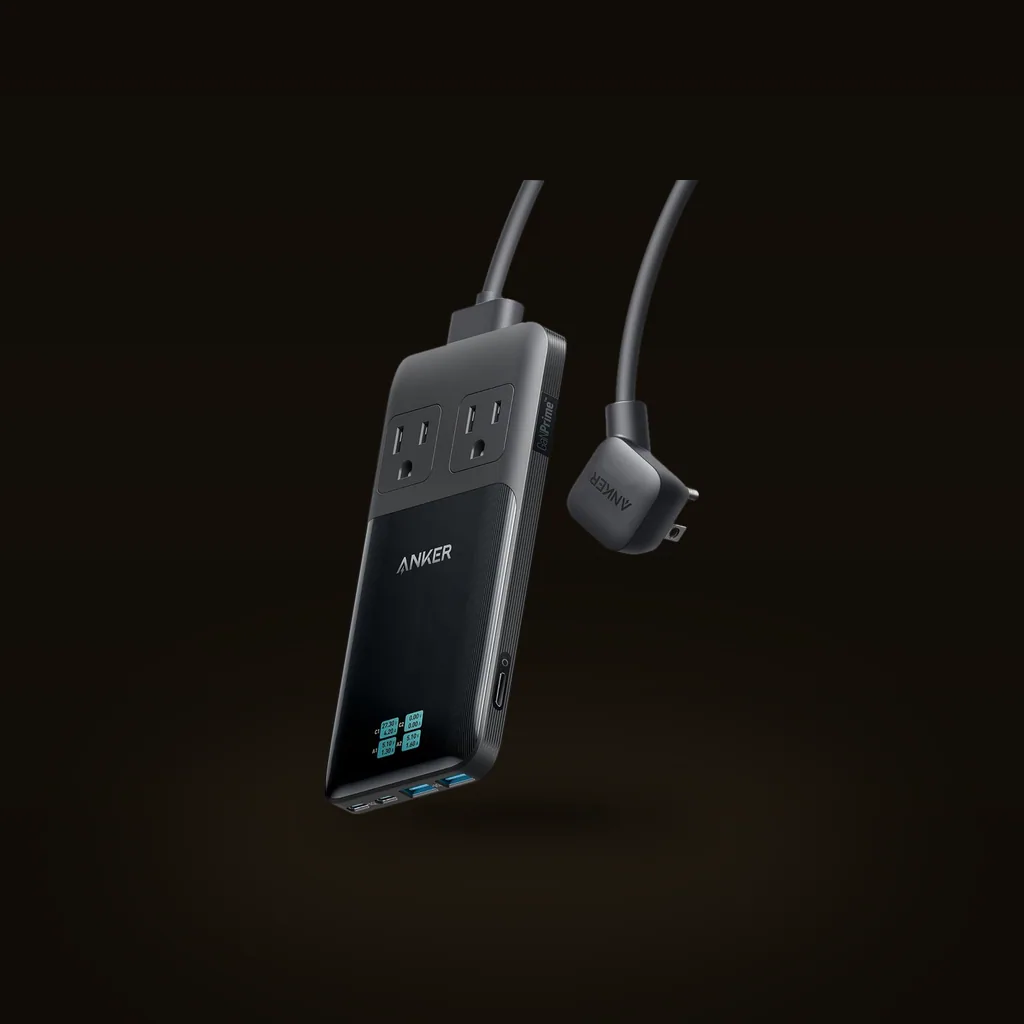
Anker Prime 6-in-1 Charging Station (140W)
A slim desktop hub that combines two AC outlets and four USB ports with up to 140W and a live power readout, replacing a wad of wall plugs. Strong for a laptop-and-phone desk; just know the 140W is shared across everything, not delivered to each port at once.
Affiliate link